NOVEMBER 12, 2026
AI Photo Restoration Free: Sort a Shoebox Before Photoshop
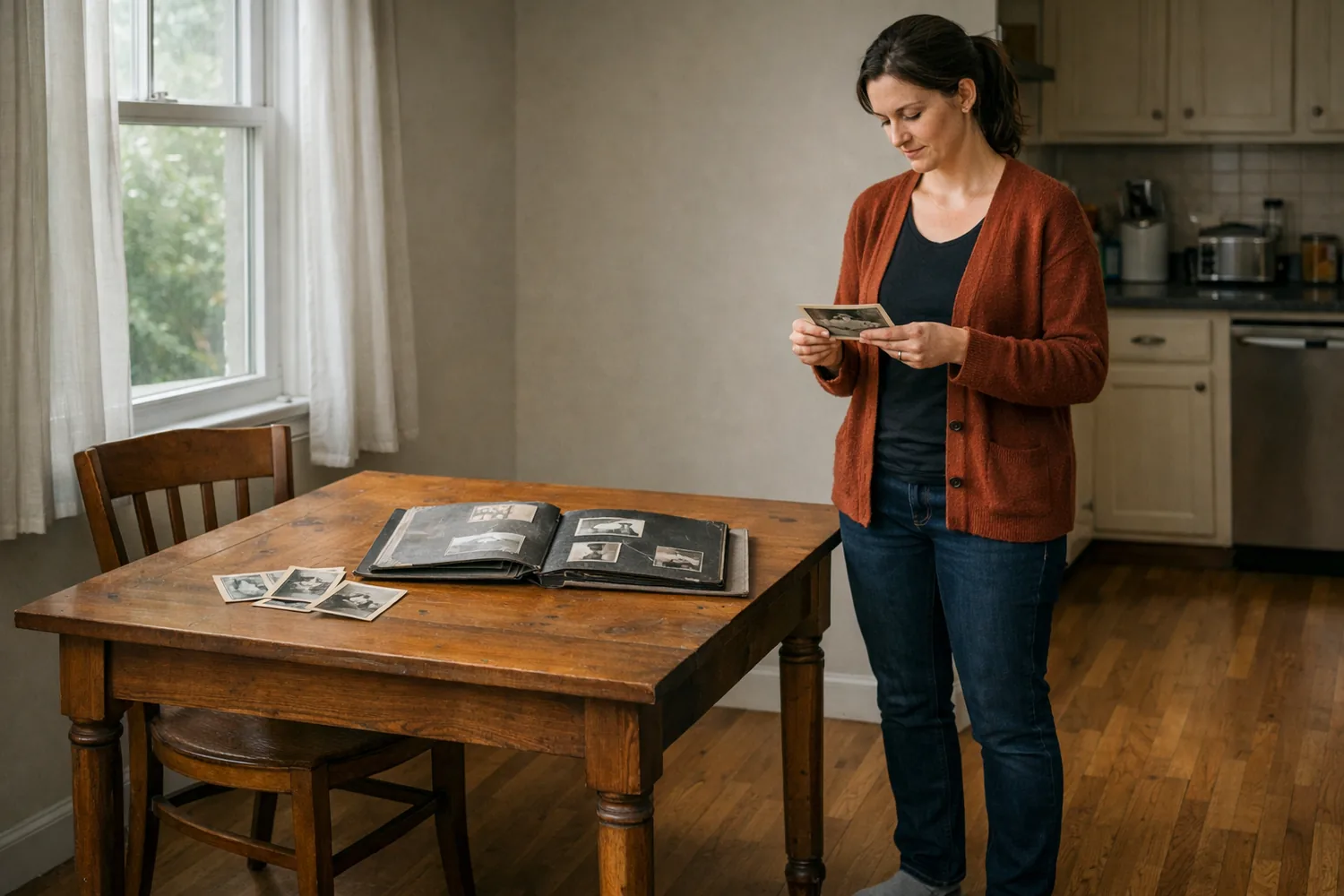
A faded print is often the only copy. Start with a browser repair, then decide which scans need a written follow-up and which faces should be left alone.
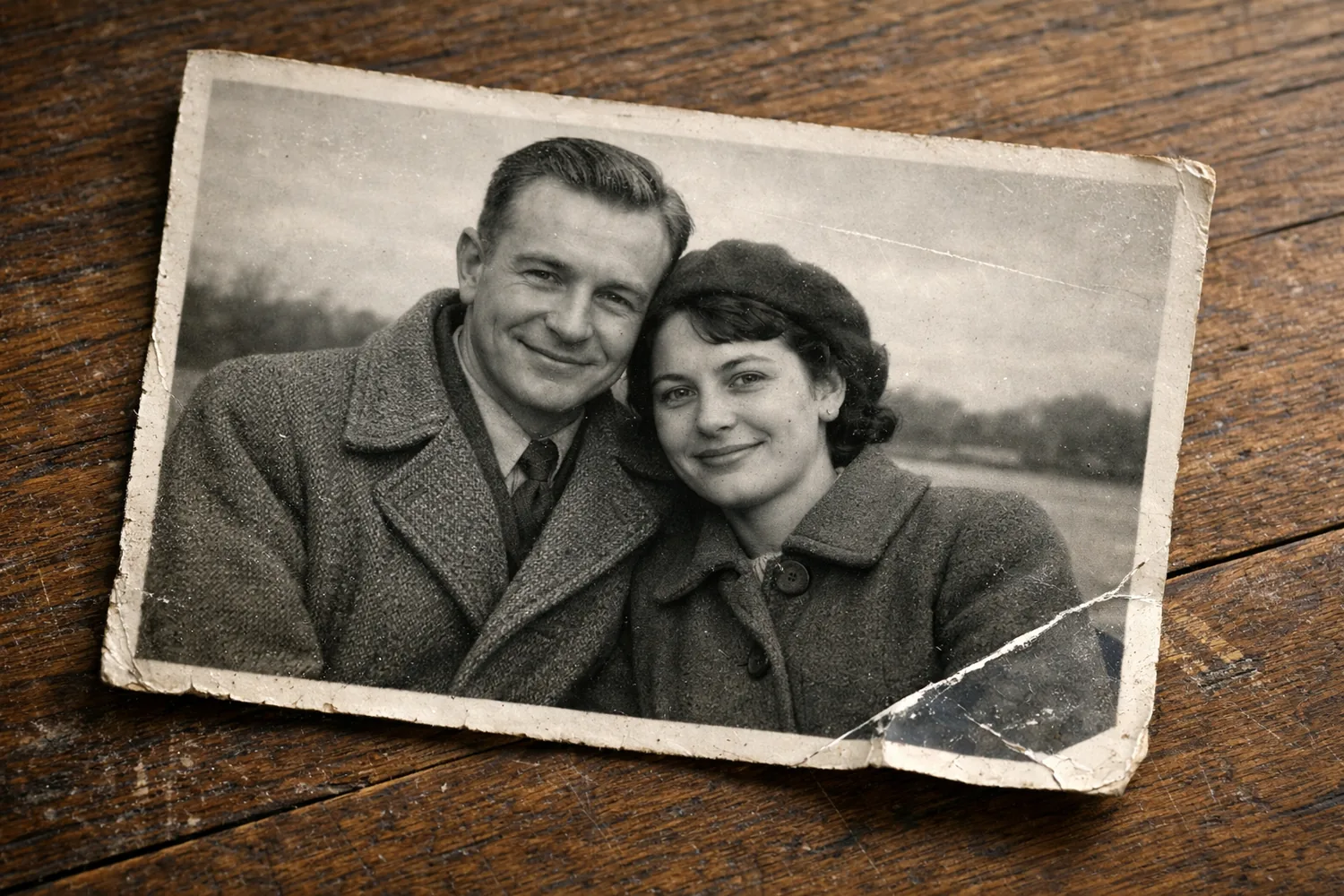
A crease through a cheek is a bad thing to discover after the negative is gone. When you restore old photos with ai prompt instructions, name that crease, or the tear, or the brown stain, and say the face stays as it was. A vague request to make it better is how a squint gets tidied into someone else.
The first file does not need that sentence. Photo Restoration takes the scan you already have and works on scratches, tears, fading, and yellowing. The repaired picture should still look like a photograph from the decade it was printed.
What is wrong with the print
People restore old photos because the object in their hands failed in a physical way. A scratch is a thin light line, often from the print sliding against another print. A tear is a missing strip, usually along a fold in the album. Fade and yellowing pull the contrast down until a face and a wall are the same pale brown. Water leaves a tide line and cockled paper. The tool never sees the wet paper. It sees the scan of whatever you could flatten under a window.
Color is a separate job. A grayscale portrait can be repaired and still be grayscale. Painting color onto a torn cheek just dyes the tear. If the album is black and white and you want color after the damage is stable, that is a different pass, covered in our notes on colorizing a black and white photo. Do the repair first.
Photograph the print before you upload it. Fill the frame with the paper, stand near a window, and keep your shadow off the surface. A yellow lamp makes the stain look worse than it is and gives the model a color cast to "fix" by changing the whole picture. You do not need a scanner the size of the album. A phone photo of a print, shot straight down with the phone parallel to the paper, is a usable scan. If the print is in a reflective sleeve, take it out. Glare becomes a white blob that the repair will try to explain.
A result before an account
The search ai photo restoration online free no sign up exists because a lot of sites ask for an email before they show a single repaired pixel. The basic run on Photo Restoration is the other way around. The tool page states it plainly: no install, and no account for that first repair. You upload, you wait, you download, and then you decide whether the person is still the person.
Waiting is part of the job. Image work on this site often takes one to two minutes. Stay on the page. What you compare is the scan and the download, side by side, at a size where you can see an eye.
Look for three failures. A crease that turned into a smear instead of disappearing. Eyes or ears that changed size. A background that grew a pattern (wallpaper, lace, a fence) where the paper was simply blank. A quiet repair is the one you want. Someone who knew this person should still pick them out of the file without being told which version is new.
If the print is mostly missing, or so soft that there was no face to keep, the download will not become a sharp studio portrait. The honest file is a cleaner copy of the same photograph. Treat a miracle result with suspicion. Faces that suddenly grow teeth, jewelry, or a different hairline were invented, and invented detail is harder to explain to a relative than a remaining scratch.
Photoshop when you mean to paint
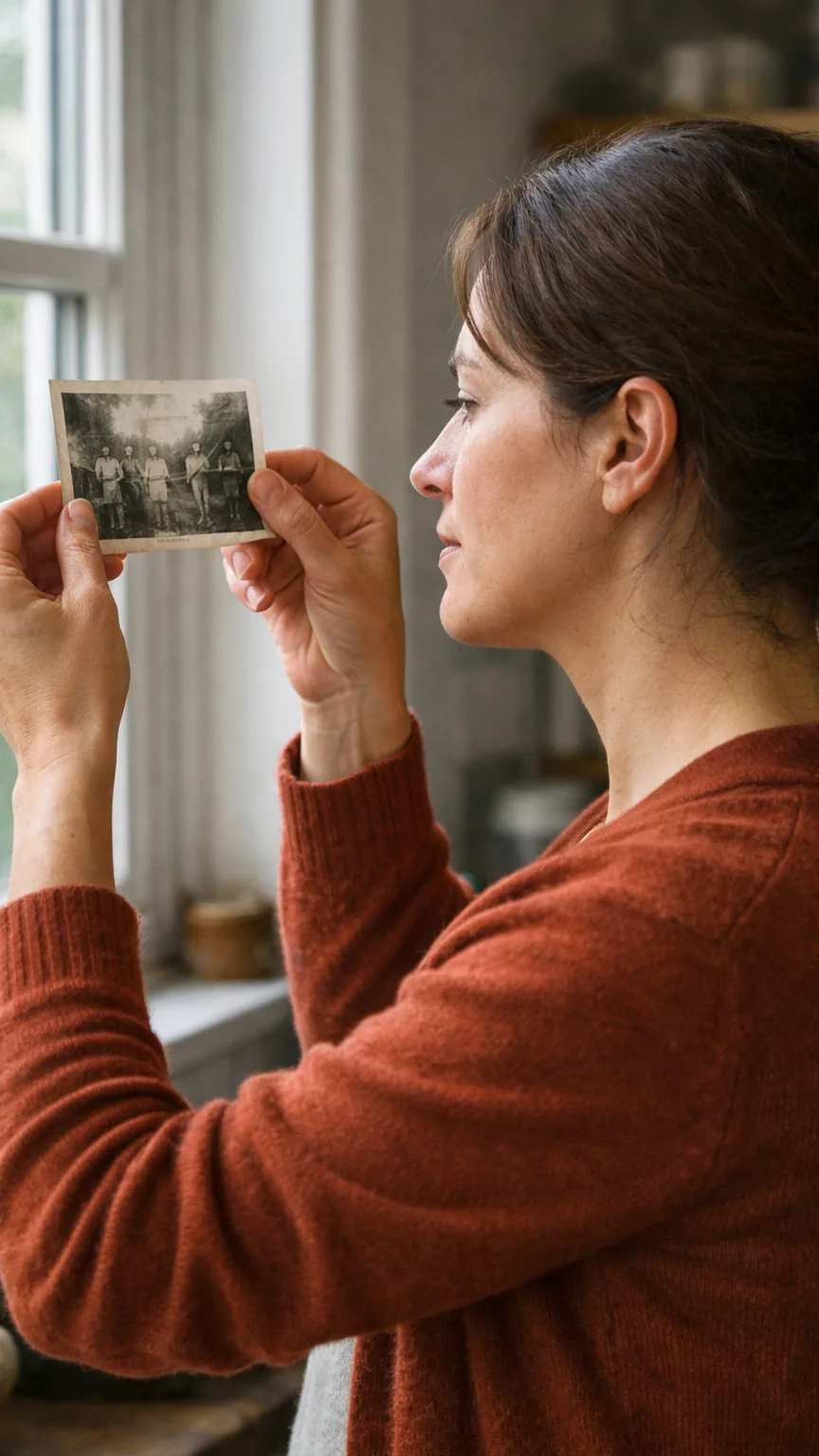
Articles on how to restore old photos in photoshop spend their length on the spot healing brush, content-aware fill, and a lot of zoom. That is the right afternoon when a large piece of the print is gone and you want to paint it yourself, or when you already know layers and you have one picture that matters more than the other thirty-nine. It is a poor way to start an album. Forty scans and a brush you have never used is how the shoebox goes back on the shelf.
Use the browser repair to sort the pile. Prints that come back with the face intact can be shared as they are. Prints that smear a mouth, move a mole, or invent a collar are the ones that deserve an evening in Photoshop or a second pass you can steer.
That second pass is Image Edit. You keep the damaged scan as the photo and you say which damage to fix and which parts must stay. The editor takes up to three reference images, so a second, cleaner crop of the same face can sit beside the torn one if you happen to have it. You do not need the extra photo. One scan and a specific sentence is the normal case. Something like: repair the white scratch across the left cheek and the torn lower corner, keep the clothing and the grain, and do not sharpen this into a modern portrait. Then you judge the new file against the scan, not against a memory of how clear the day felt.
The guides that rank for this topic tend to stop at a list of apps and a Photoshop lesson. The missing step is the sort. An automatic repair finishes some prints and smears the memorable part of others. Run the free tool before an hour with a brush, and keep those two piles apart.
The face, then the original file
Before you send anything to the family, put the scan and the repair next to each other. Check the ears, the hairline, glasses, and the direction of the light. A model filling a hole will sometimes tidy a squint or move a mole. If the squint is what everyone remembers, the repair failed even though the scratch is gone. Say so, and try again with a tighter sentence, or leave that print alone.
Keep the original scan in the same folder as the download. The repaired file is a new picture made from it. You will want the source if the first result smoothed a cheek you meant to keep, or if a relative asks what the paper actually looked like. Name the files in a way you will understand in a year: the person's name, the year if you know it, and "scan" or "repair." An album of unnamed downloads is how the crease comes back as a mystery.
Flat light still matters more than a higher pixel count. If the first phone photo was crooked or glaring, shoot it again before you blame the model. A second scan takes less time than arguing with a bad repair, and it gives you a cleaner input for both the one-click tool and any sentence you write after it.
Water-damaged paper needs that honesty in particular. Buckled emulsion scans as a soft ridge, and a repair can flatten the ridge in the file while the face stays slightly wrong. If a relative still has the print, let them look at the paper and the file together. The file is easier to email. The paper is the record of what the camera actually caught.