AI Image Combiner — Merge Two Photos into One
Checking that you’re human…
Complete the verification above before uploading.
Photo 1
Upload first photo
Max 20MB · JPG, PNG, WebP
Photo 2
Upload second photo
Max 20MB · JPG, PNG, WebP
How do you want to combine?
Prompt used for this blend
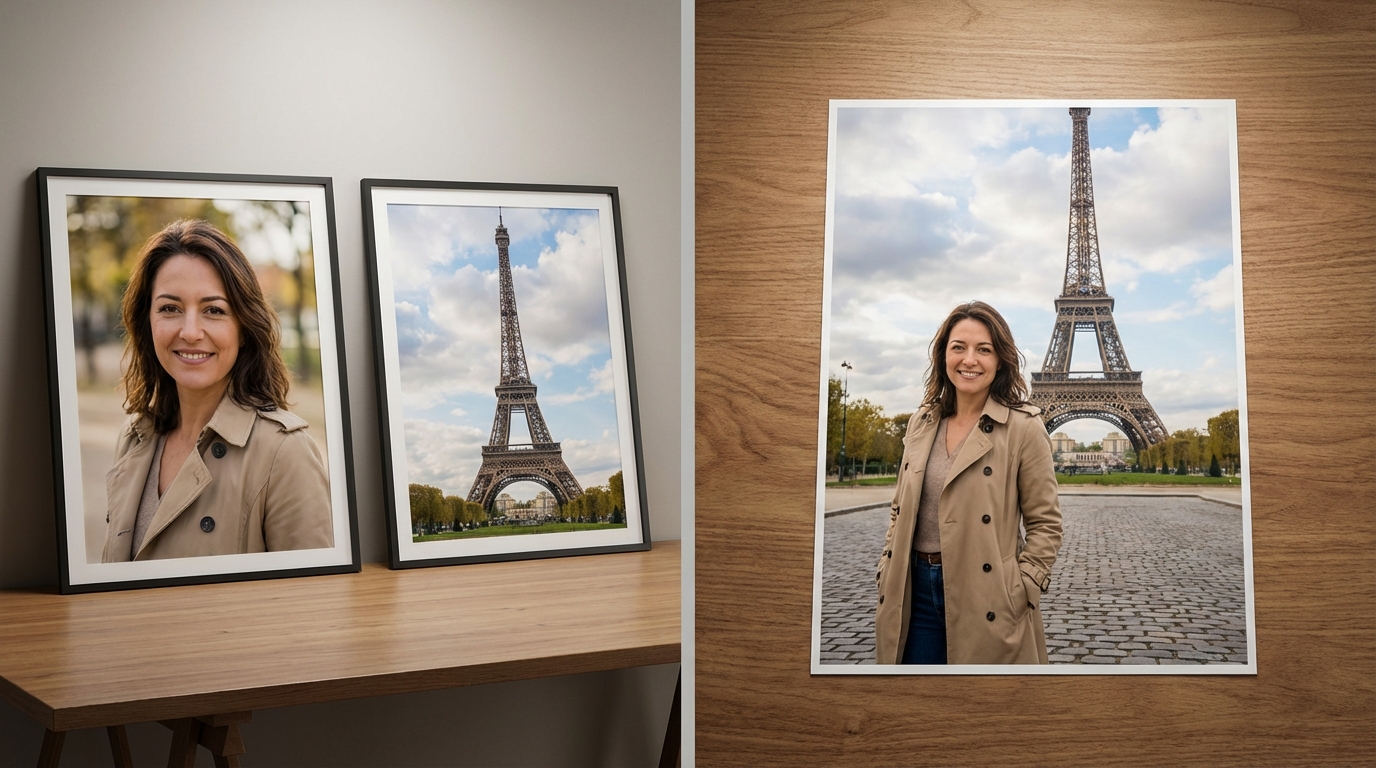
Create a single photorealistic image using the main person from image 1 and the environment from image 2. Preserve the person's facial identity, but adapt the composition naturally to the new scene. Keep camera perspective, depth, and real-world scale coherent so the person looks correctly sized relative to nearby objects and the wider landscape. Integrate the subject with believable lighting, occlusion, and contact shadows. The result must read as one photograph, not a cutout or collage.
By uploading, you confirm you own the rights to this image and accept full responsibility for its use.
Merge photos with AI blending
Upload two portraits and align them in one scene — ideal for announcements, invitations, and memory keepsakes.
Best way to combine two pictures
Better than manual cut-and-paste: lighting and edges match automatically for a single cohesive couple photo. For custom scenes, backdrops, or artistic photo filters around your merge, use the AI image editor.