NOVEMBER 16, 2026
How to Crop Images When the Extra Edge Has to Go
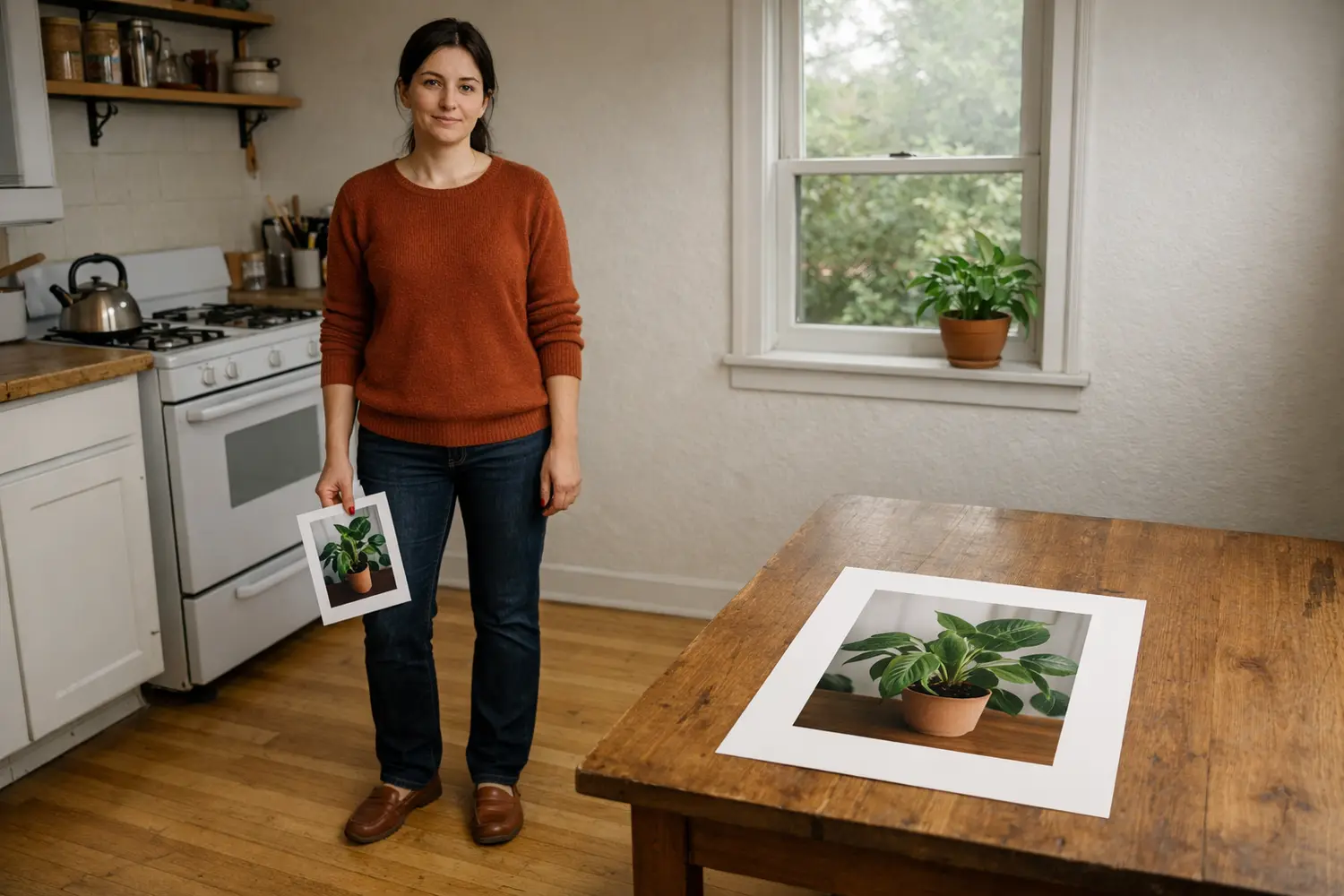
A spare edge in an otherwise good photo is a rectangle you drag. The Image Cropper starts with that box already inset, then downloads the pixels inside it.
People type crop image online freehand when the picture is the right one and the edge is not. A doorway, a thumb, a spare chair, or a strip of ceiling is sitting in the frame, and they want a rectangle they can pull until that strip sits outside the box.
On Vibe Photos that page is the Image Cropper. You drop a JPG, PNG, or WebP on the slot. A box opens already inset and centered, at 78% of the photo's width and 78% of its height, so a margin of the original sits outside the box before you touch it. The preset row starts on Free. Free leaves each corner on its own, which is the freehand rectangle: drag a corner and that corner's edges move. Crop & download writes the pixels inside the box to a file on your machine. The empty slot says the max is 20MB. You can download without an account.
Add the photo, then move the box
To crop image online, add the file and look at the box before you move it. JPG, JPEG, PNG, and WebP are the types the slot takes. An iPhone photo that stays blank is often HEIC. Convert that file with the HEIC to JPG steps, then bring the JPG back and crop the JPG. Drag in the middle of the box to slide it. Drag a white corner handle to change the shape. There are four handles. The box is clamped to the photo, so a corner stops at the edge of the picture.
The starting inset means the first view already shows a rim. If that rim is the doorway or the thumb, download without dragging. If the subject sits in the rim, slide the box until the subject is inside. Change images clears the file and opens the picker again. The next photo gets a fresh inset, and the preset goes back to Free. The photo you dropped stays until you change it, so a second try can start from the same pixels.
The size is the rectangle you leave
Someone searching crop image online by size usually wants a width field and a height field. The size is the rectangle left on the picture when you stop dragging. Crop & download names the file with that pixel size. A box 1200 pixels wide and 800 pixels tall, from a file called porch.jpg, is saved as porch-cropped-1200x800.jpg. The numbers in the name are the box you drew, in the photo's own pixels. You read that size from the file name after the download.
A form that asks for kilobytes is measuring something else. Cutting off a hallway removes pixels, and the file often weighs less. Kilobytes and a quality slider live on the Image Compressor. It keeps the full frame and shows the JPEG size while you move quality. Use the compressor when the other site named a file weight. Use the cropper when you named a region. A file already under 20MB is cropped as you dropped it. A heavier file that the browser still accepts is rewritten as a JPEG until it fits under 20MB, and the box then sits on that rewrite. If the rewrite still will not fit, the page refuses the file.
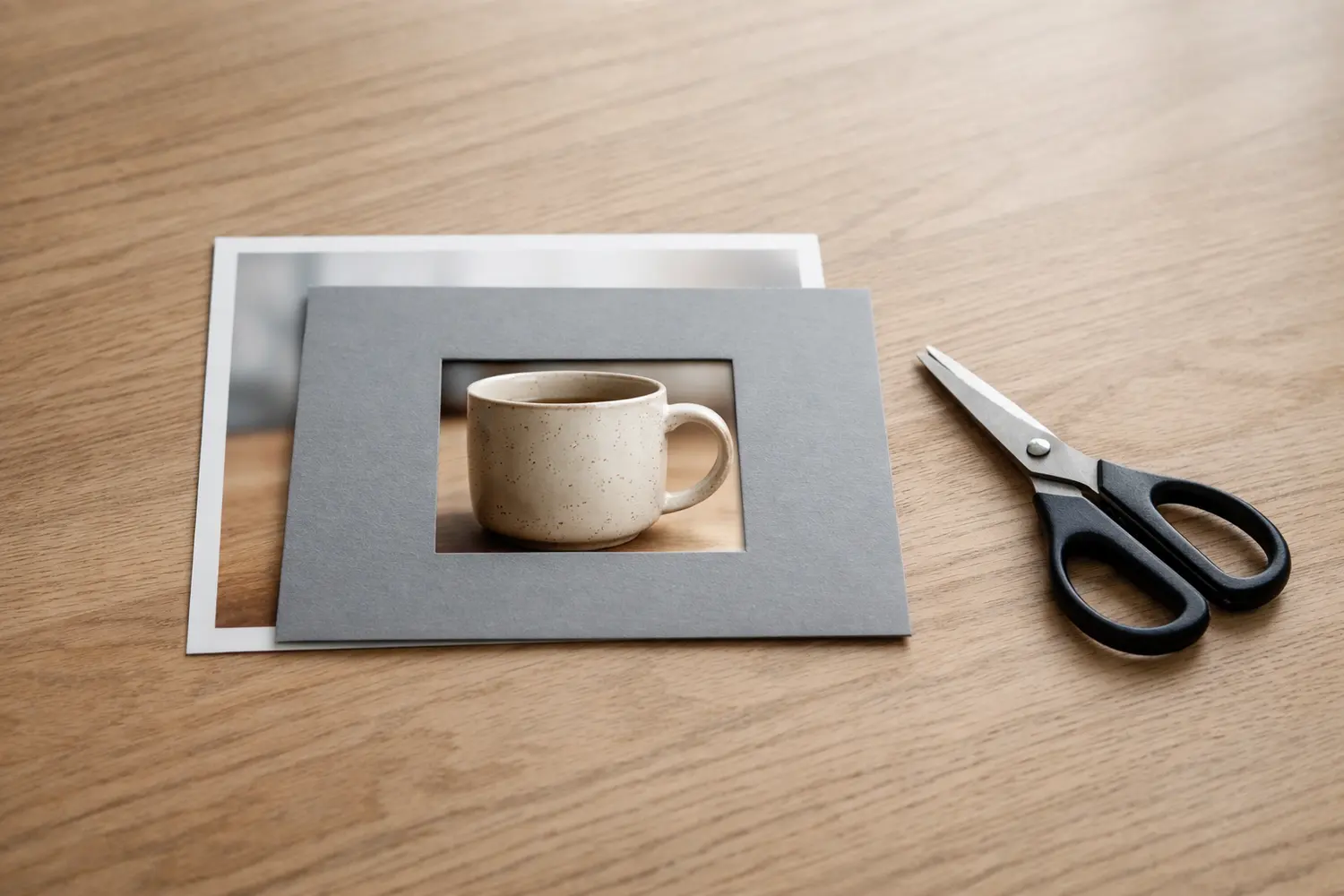
If a printer asked for an exact pixel canvas, set the box by eye on a photo whose pixel size you already know, then read the file name. The download uses the box you drew.
The pixels inside the box
A search for crop image online without losing quality is about the region you decided to keep. The page copies that rectangle onto a canvas of the same width and height, so a box of 900 by 600 pixels becomes a picture of 900 by 600 pixels. PNG and WebP downloads stay PNG and WebP. A JPG is encoded again at quality 0.92, which makes a new JPEG of those pixels. Pixels outside the box are discarded. Pixels inside the box stay on that grid, with the JPEG rewrite only when the upload was a JPEG.
If the region you keep is already soft, it stays soft at the same pixel count. Making that region larger is a different page. The note on upscaling a small photo is the one to read when the crop you need is already too small to use. Cutting away a blurry hallway leaves the face at the size it had in the original. Quality 0.92 is a strong JPEG setting, and it is still a new file. For a PNG screenshot or a WebP export, the download keeps that format and skips the JPEG quality step.
A ratio, when the frame has to match
To crop images online for any social media size, use the ratio row. The buttons are Free, 1:1, 4:3, 3:4, 16:9, and 9:16. A square frame lines up with 1:1. A tall, story-shaped frame lines up with 9:16. A wide frame lines up with 16:9. 4:3 and 3:4 are that shape turned on its side. The line under the tool names Instagram, LinkedIn, and print. The six buttons above that line are the ratios, and any pixel chart stays with you. Press the ratio, then drag the box onto the part of the photo that should remain.
Choosing a ratio keeps the box's current width and recomputes the height so the shape matches, then pulls the box back inside the photo if the new height would have spilled past the edge. On a square original, 9:16 can only be as tall as the photo, and the width shrinks to fit that height. You still slide the box. The ratio decides the shape. Your drag decides which face, which product, or which window stays inside it.
Free and a locked ratio answer different edits. Free is the preset when you are cutting a thumb off a corner and the leftover shape can be whatever the photo allows. A ratio is the preset when the place you will put the picture already has a frame, and a loose rectangle would be cut again by that site. Press Free after a ratio and the corners become independent again. The box stays where it is until you drag a handle.
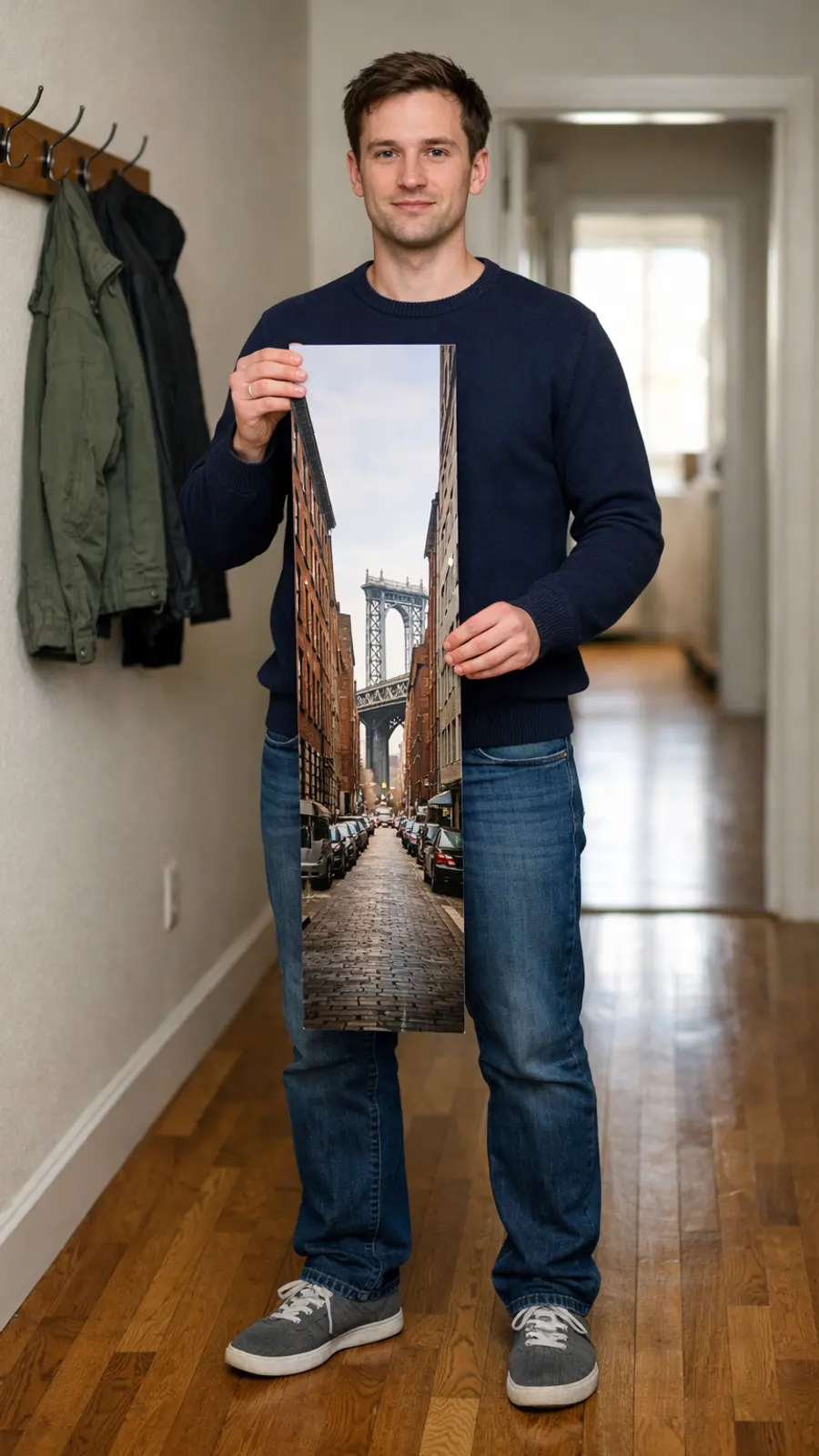
A group at a table often wants 4:3 or 3:4 so a standing person at the side stays in the frame. A single object for a square grid wants 1:1, with the object near the middle of the box. A full-length outfit wants 9:16 when the original is tall enough. On a wide camera frame, 9:16 becomes a narrow vertical slice, so put the person in that slice before you download.
What free is doing on this page
People who type crop image online free are usually asking whether the download costs an account. You can run the Image Cropper and download without one. You add the photo, move the box, and Crop & download starts the file in the browser. The file is the crop, with no mark from this page. A new background, a face retouch, or a second photo in the same frame belongs on another page. This one ends when the file is on your machine.
If the first box kept too much ceiling, crop again from the original. Each download is only the rectangle from that click. The handles are small on a large photo, so zoom the browser if a corner is hard to grab. Spin a sideways horizon in the camera roll, then crop the upright file.
You measure the box in the photo's own pixels. A lab that asked for centimeters still needs the mapping from this file, because the page never asks for a unit. A circle crop is a different mask, and this page keeps a rectangle. After the download, the pixel width and height are in the file name. That name is the record of the size you kept.