NOVEMBER 14, 2026
Upscale Image Online When the Photo Is Too Small
A photo that is too small for a listing or a print can be doubled on the Image Upscaler. Here is what that doubling does to the pixel grid, and what it leaves alone.
People type upscale image ai free when the photo is already the one they want and the pixel grid is too small. A listing crop or a scan of a printed photo can be only a few hundred pixels across, and the page that will display it asks for a larger file.
On Vibe Photos the page for that job is the Image Upscaler. You add one JPG, PNG, or WebP, then press Run. Width and height both double. Your original and the enlarged frame sit on a slider so you can compare them before you download.
A 4K search is a destination size
A search for upscale image to 4k is a request for a destination size. 4K UHD is a frame about 3840 pixels wide and 2160 pixels tall. The file in the slot is what gets multiplied, by two on each side.
An 800 by 600 photo comes out 1600 by 1200. That is four times as many pixels, and the long side is still far under 3840. A 1920 by 1080 photo comes out 3840 by 2160, which is 4K, since it started at HD. A crop that is 1000 pixels wide comes out 2000 pixels wide. The run stops after that single doubling.
Tool pages that rank for the same search often put 2x and 4x on one screen, or they list 4K, 8K, and 16K as output sizes you can pick. Those controls are how they answer someone who arrived with a named resolution. This page answers with one fixed enlargement. If the file is already near the size you need, the doubled frame can be the file you send. A tiny crop is still a modest frame after one pass.
How a free run moves from the slot to a file
To upscale image free, open the Image Upscaler and put one file in the slot. The types it accepts are JPG, PNG, and WebP. The upload cap is 20MB. One run holds one image. A folder of listing photos means a separate run for each file.
The page keeps a daily count for this tool. You get 5 free runs, and the line on the page shows how many of those 5 you have used today. When the day's 5 are spent, the count resets the next day. Press Run to start the doubling.
Measure the file before you spend a run. A scan that arrives about 600 pixels on the long side leaves at about 1200. That can be enough for a small listing image and still short of a slide that fills a screen. The download is twice as wide and twice as tall, and the daily counter moves by one whether you keep the file or not.
With the photo in the slot, press Run. The page says the wait is usually 1 to 2 minutes, and it asks you to keep this tab open. Leaving the page or refreshing it cancels the run, so that attempt is gone. When the run finishes, a slider shows the original on one side and the enlarged photo on the other. Drag it across an edge you care about. Download saves the file the tool returned. Face and background go through the same 2x step.
What extra pixels do to a soft edge
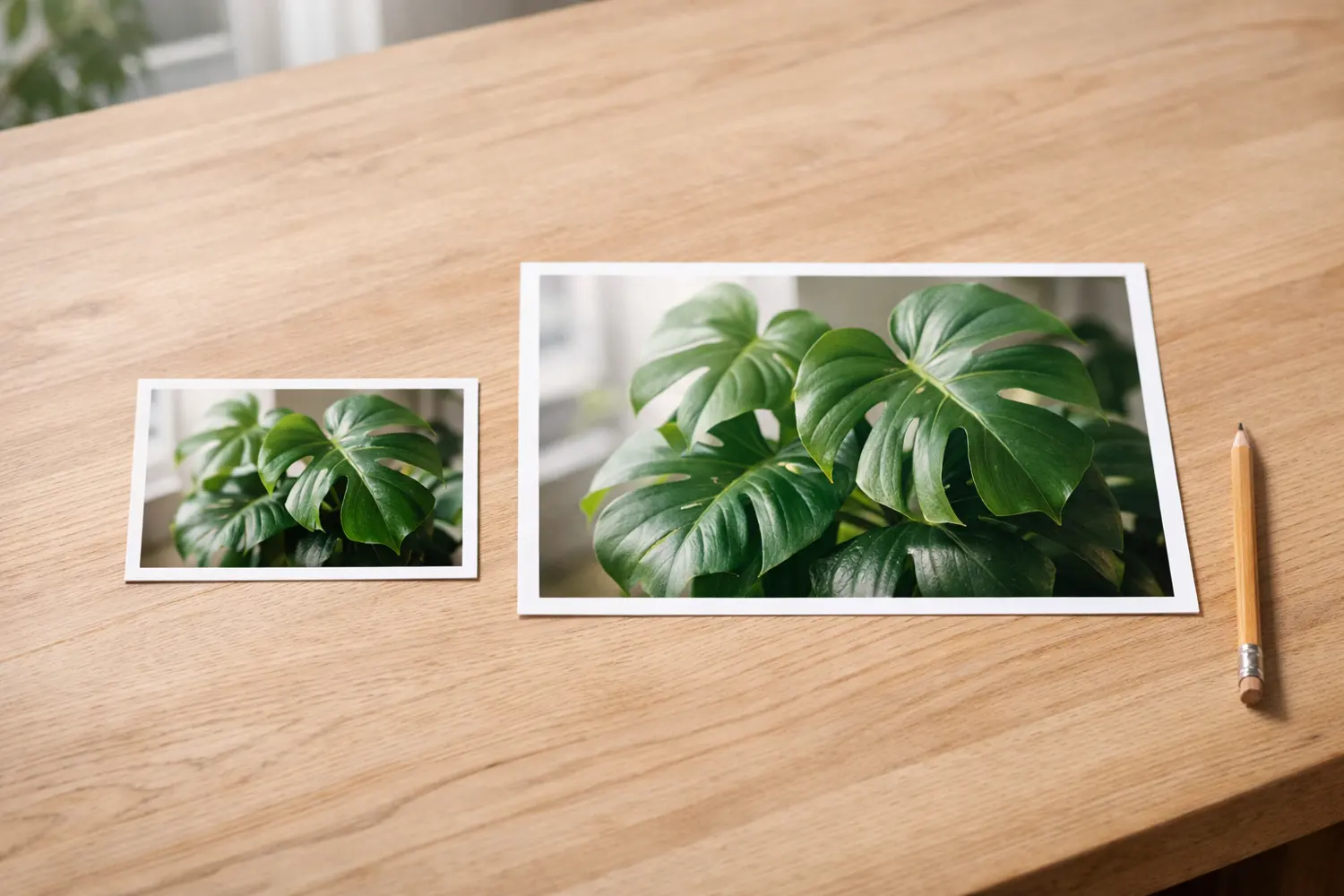
The query upscale image resolution is about that grid. Doubling each side gives an edge more pixels to sit on. Small type on a scan or a window frame can look steadier, because the step from dark to light has more pixels to occupy. A face that was only a handful of pixels tall stays soft. The new pixels are filled from the picture you uploaded. A screenshot of a screenshot comes back with larger blocks.
Use the slider before you save anything. Pick the detail you came in for, a product label or a line of type on a scan, and see whether the enlarged side is still the photo you recognize. If that side looks waxy, or if a texture repeats in a patch the original did not have, the source was too small for this pass. Keep the download when the enlarged side still matches, and skip it when the face or the label has gone soft and strange.
More pixels usually mean a heavier file. A form that rejects anything over a few hundred kilobytes can refuse the enlarged JPEG even when the picture looks right on your screen. Shrinking that download without throwing away the new width and height is a later compress step, covered in how to compress an image to 100kb. Enlarge first when you need the pixels. Compress after, if the form is counting kilobytes. Doing those two jobs in the other order stretches a file that has already discarded detail.

Watermarks and the wrong room stay put
People type upscale image when the frame is too small, and also when a watermark crosses the corner or the person is standing in the wrong room. A 2x pass keeps the watermark, the room, and the pose, and it makes each of them larger. Changing the room is a different edit. This page enlarges the file it was given.
Stay on this page when the scene is the right scene and the frame is the problem. When you need a different scene, enlarging hands you a bigger copy of the scene you already have, and you would be spending one of the 5 daily runs on a file you still cannot use. An iPhone HEIC photo may not load in the slot at all. Turn that file into a JPG first, then bring the JPG here. The upscaler stays on JPG, PNG, and WebP.
A second pass repeats the same multiplication on a file that has already been filled in once. Each run only doubles the sides, and each run spends one of the day's 5. A 400-pixel-wide crop becomes 800. Run that download again and it becomes 1600. The model sees the first result on that second pass. For a listing image or a slide, the first doubling is the one that still has the scan or the crop under it. For a large print, go back to a bigger original if you still have it in a camera roll or on the scanner.
Plan on about a minute or two with the tab left open, then the slider. Check the edge you needed. If it holds, download that file and leave the other daily runs for the next photo that is actually too small.