NOVEMBER 13, 2026
How to Change Photo Background to White
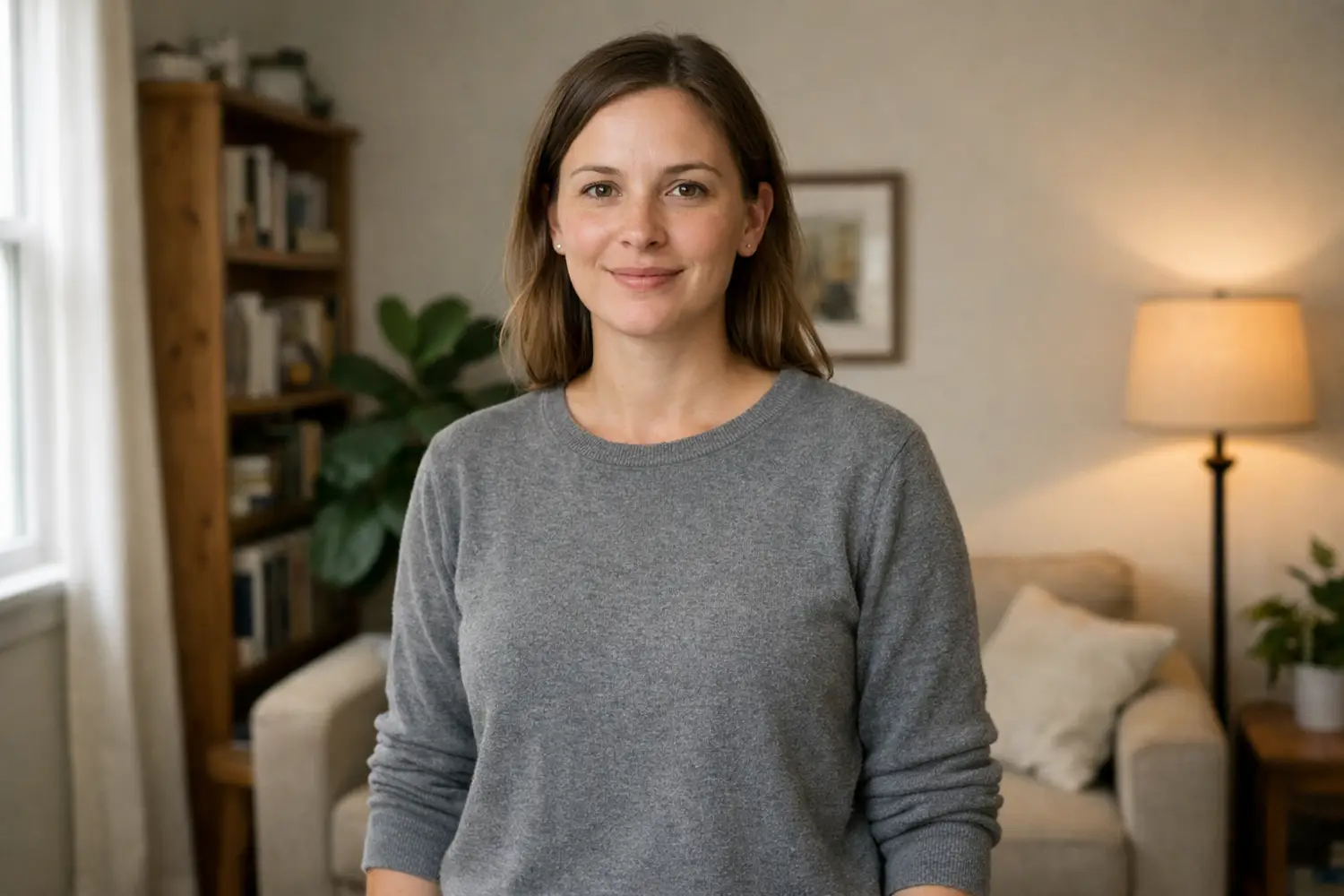
The room is what they want gone. The person or the mug can stay. A plain white field is a different file from a transparent cutout, and the hair and the shadow are the checks before you download.
People type change photo background when the person, or the mug, is already fine and the room is not. A lamp, a parking strip, a pile of mail, a wrinkled sheet: that is the part they are trying to lose.
The picture they want is the same subject on a plain white field, the kind a shop listing or a simple portrait uses. On Vibe Photos that page is Image Edit. Upload the photo you already have and describe the field behind the subject.
What that white field is for
The search change photo background to white is a request for a new field behind a person who is already in the photo. The pages that rank for it are mostly one-click editors. Their shared shape is a short how-to, then use cases, product shots in one block and portraits in another, then a FAQ. They treat white as a fill dropped in after a mask.
A fill is enough when the edge is already clean and you only need flat white in the file. It looks pasted when the old window light stays on the face and the new field never meets the shoes, or the base of the mug. Hair, a glasses arm, and a strap over a shoulder are where that fill shows.
Say which light to keep. Indoor bulbs throw yellow onto a shirt, and a pure white field makes that yellow louder. If the shirt color should stay, say so. If the field should be neutral, say the white is neutral and the subject keeps the light from the original. Pick one of those before you run it.
Before you download, zoom the edge. A gray rim from the old wall means the white is sitting behind a bad mask. Go back to the original file and name what to protect. Exporting the bad file and running it again throws away hair detail you still had.

A product on the table you already have
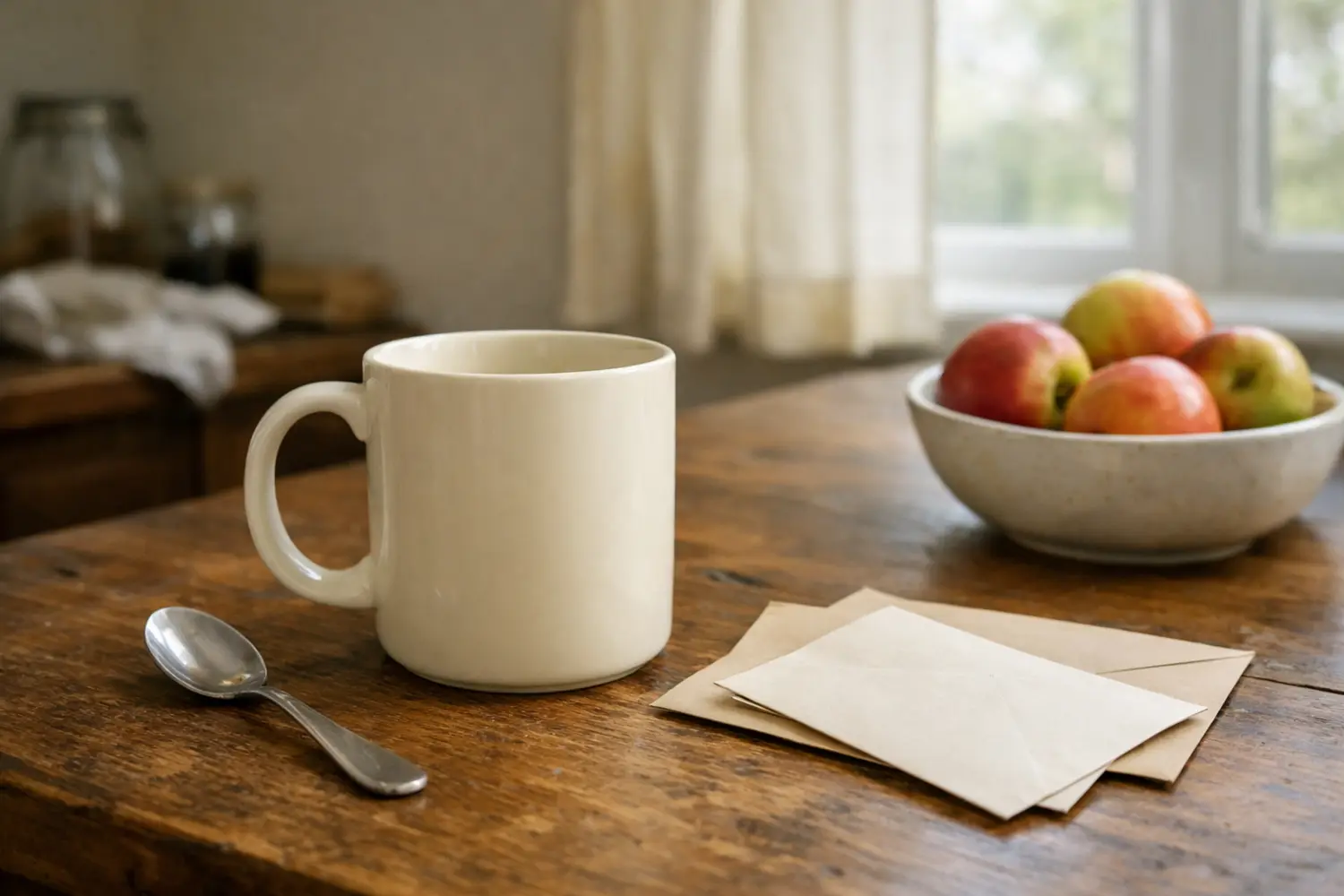
A white background product photo is a listing frame: the object near the middle, the field plain, a small shadow so the item still sits on a surface. You do not need a paper sweep if the object is already sharp in a snapshot. The mail, the spoon, and the fruit bowl can stay in the original. The edit replaces that table and leaves the mug, the handle, and any label alone.
Name the object in the prompt. Ask for a plain white field and a soft shadow under the base. If the item has print, say to keep that print readable. Image Edit takes up to three reference photos, so a second angle of the same item can sit next to the main file when a label is easy to warp. If the first result moves the handle or invents a second mug, discard it and run the original again with a shorter sentence.
A white field also shows dust and a crooked horizon that a busy table hid. Straighten the object in the original if you can, before you ask for the new field. Crop after the field is white. Cropping first cuts off the shadow, and the object looks like it is sliding out of the frame. Leave even space around the item if a template will add type later. Do not bake words into the photo and then ask the edit to spare them.
A different color, same upload
White is the field people ask for first, and it is a poor match for a lot of snapshots. A change photo background color request is the same upload and a different sentence. Light gray is kinder to skin that was shot under a warm lamp. A pale wood floor and a specific wall, described in ordinary words, beat a vague studio label. If you have a photo of the wall you want, add it as a reference.
The result still has to read as one photograph: one light, one floor line, no fringe. Keep the face, the clothes, and the hands unless you asked for a wardrobe change. A background swap that also rewrites the smile is a second edit. Put keep the face and the clothing in the same prompt as the color.
The free file is transparent
A lot of the related searches ask for a change photo background to white free download. On this site the tool that runs with no account is Background Remover. The file it returns is a transparent PNG. White pixels, and a shadow under the feet, are a later prompt in Image Edit. That is the limit of the free step.
Use that PNG when the layout already has its own background, a slide or a design file. When you need white pixels inside the photo itself, take the original into Image Edit and describe the white field. Feeding the cutout back in will not restore hair the mask already discarded. The original still has the hair and the light.
This is easy to mix up with removing one thing, a chair or a stranger, while the room stays. That job is covered in the object removal guide. Changing the background throws the room out. Removing an object rebuilds a patch and leaves the rest of the scene.
Shoot it, then check the edge
The phrase change photo background free online usually means the person does not want a desktop install. The cutout runs in the browser. The white replacement is also in the browser, on the Image Edit page, once you are signed in. You do not install an app for either one.
If you still have the camera in your hand, put a step of air between the subject and the wall. Hair against a bright window is harder to replace than hair with a gap behind it. Window light is enough. The phone flash flattens the face, and the later white field then looks like two pictures taped together.
On a laptop, open the file at the size you will publish. A tiny export, enlarged afterward, shows edge mistakes the original hid. An image edit on this page often takes one to two minutes. Keep the tab open. Leaving or refreshing cancels the run. The workbench puts the upload on one side and the result on the other. Read them against each other before you save. If the face drifted, throw that result away and run the original with a shorter prompt.
Hands are the other check. Count the fingers if they are in the frame. A finger that melted into the new field is a failed edit, the same way a halo in the hair is. Cropping it off hides the hand along with the mistake.
Hair, glass, and the shadow
Hair, a veil, a dog's fur, and a glass bottle fail first. Ask the edit to keep the fine edge and the light that was already on the subject. A soft shadow only under the subject stops the sticker look. A hard oval around the body means the mask gave up.
If you also want different clothes, do the background first. Two requests in one sentence compete, and the field usually loses. For a wider map of editors, the beginner software guide compares full programs with one change on a photo you already have. Here that change is the field behind the subject.
Upload the original, name the subject, and name the field: white, light gray, or a wall you can describe. Check the hair and the shadow, then download.