NOVEMBER 7, 2026
Rihanna New Hair Transformation: Try the Look on Your Own Photo
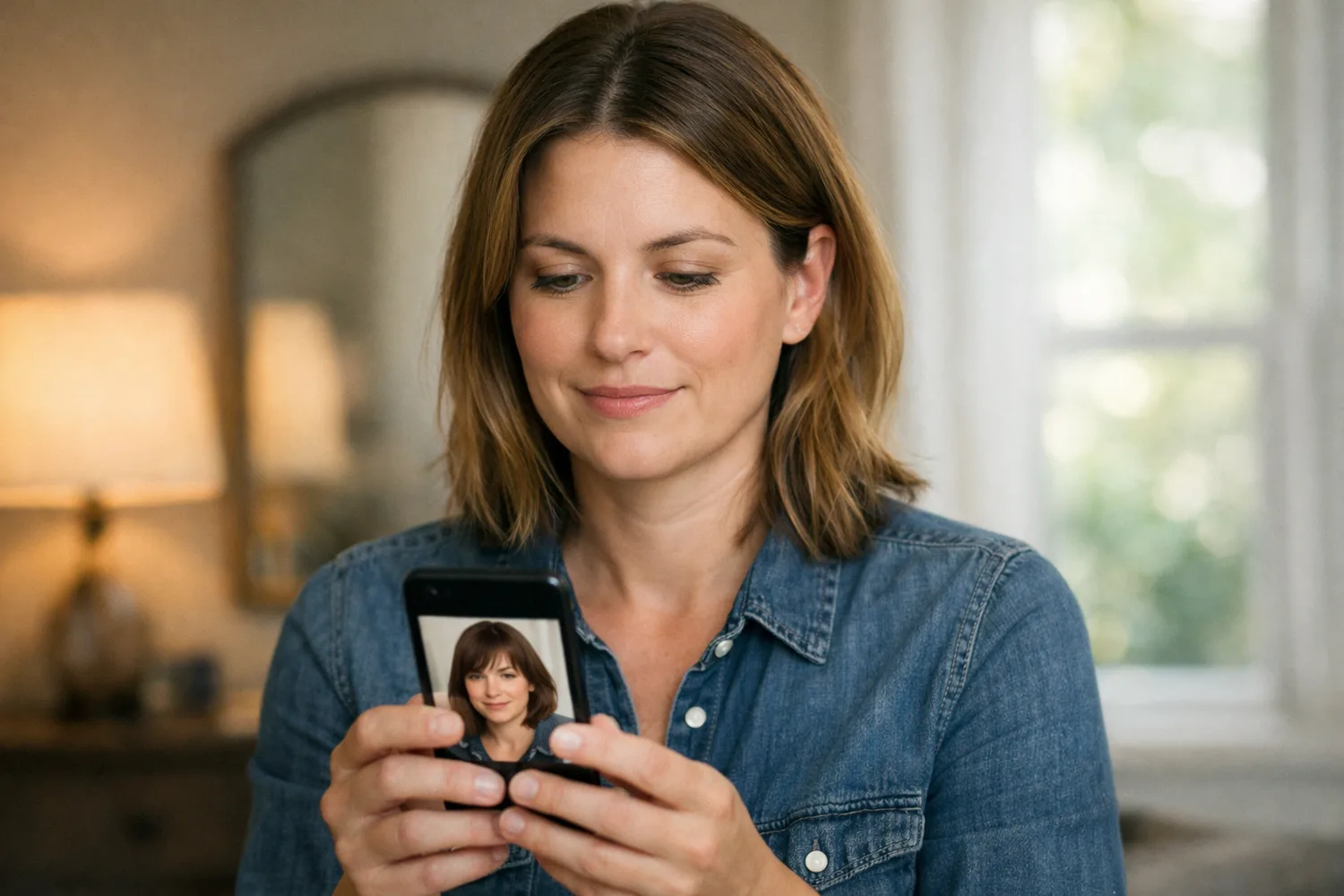
Searches for a Rihanna new hair transformation spike when a look goes viral. Here is how to try a similar hair change on a photo you already have in Image Edit.
A Rihanna new hair transformation search usually means someone spotted a look and wants to understand it, or try something close on a picture of themselves. Celebrity galleries answer the first half. The second half is a photo edit: keep the face, change the hair.
On Vibe Photos that job lives in Image Edit. Upload a photo you already have, write the hair change in plain language, and optionally add up to three reference images. Free tools on the site return a first result with no account. Image Edit opens after you sign in, and email verification adds 15 credits (about two images at roughly 6 credits each).
What those searches are actually asking for
News posts show the celebrity photos and name the cut or color. Readers who land here often already saw that. What they still need is a path that works on their own selfie or portrait: same identity, new hair, no salon booking and no Photoshop layers.
If you came from a beginner editor search instead, the same rule applies as in our guide to best photo editing software for beginners: ask for one concrete change, then judge the output against your face.
Prompt the hair change in Image Edit
Open Image Edit. Upload one clear photo where the hairline and face are visible. Write a short prompt that names length, color, and what must stay the same. Example: “Change the hair to a short platinum bob with soft ends. Keep the face, skin tone, and background the same.”
Site copy already uses this shape for clothing edits: “Keep face, hair, and background the same.” When hair is the variable, name the new hair and lock face and background. Models named on the product pages include OpenAI GPT-Image-2, GPT-Image-1.5, and Alibaba Qwen-Image-Edit. For this walkthrough you write a clear sentence; you do not open a model picker.
- One subject photo with even indoor light and hair not fully covered by a hat.
- Optional references (up to three): a color swatch photo, a cut you like, or a second angle of yourself.
- One prompt that states the hair change and what must not move.
Credits, free tools, and when to stop
Verify email for 15 free credits. At about 6 credits per image that is roughly two Image Edit runs before a paid plan. Starter starts at $9.90/month for 600 credits; Pro is the plan labeled Most Popular at $19.90/month for 1,300 credits. Paid plans include commercial use and private, watermark-free outputs. Cancel anytime; access lasts through the paid period.
If you only needed a quick background clean-up first, use a free tool, then finish the hair line in Image Edit. If the job was two people in one frame instead of a hair change, start with the how to merge two photos with AI guide and the free combiner, then refine in Image Edit so the result reads as one photograph.
A simple check before you share the result
Look at the eyes and mouth first. If the face drifted, tighten the prompt: “Same person, same facial features, only change the hair.” Soft indoor light in the source photo helps. Match the trend search to the tool page; leave salon appointments to salons.
Ready to try it: open Image Edit, upload a photo, and write the hair change in one sentence.